Making industrial control visible
The interface was deliberately designed for educational use rather than only for engineering specialists.
Students can see:
- the requested and measured azimuth and elevation;
- the calculated tracking speed;
- the analogue command voltages;
- the state of every relevant interlock;
- the condition of the brakes and limit switches;
- the status of the AMK inverter system; and
- the communication between the user interface and the Raspberry Pi.
The AMK pulse inverters, brakes and operating modes can also be controlled through clearly labelled relay buttons. The interface therefore makes the system’s internal state visible instead of hiding it behind an opaque automation process.
This is particularly valuable in physics teaching. Feedback control, voltage levels, angular velocity, data transmission and safety logic can all be observed in a real system.
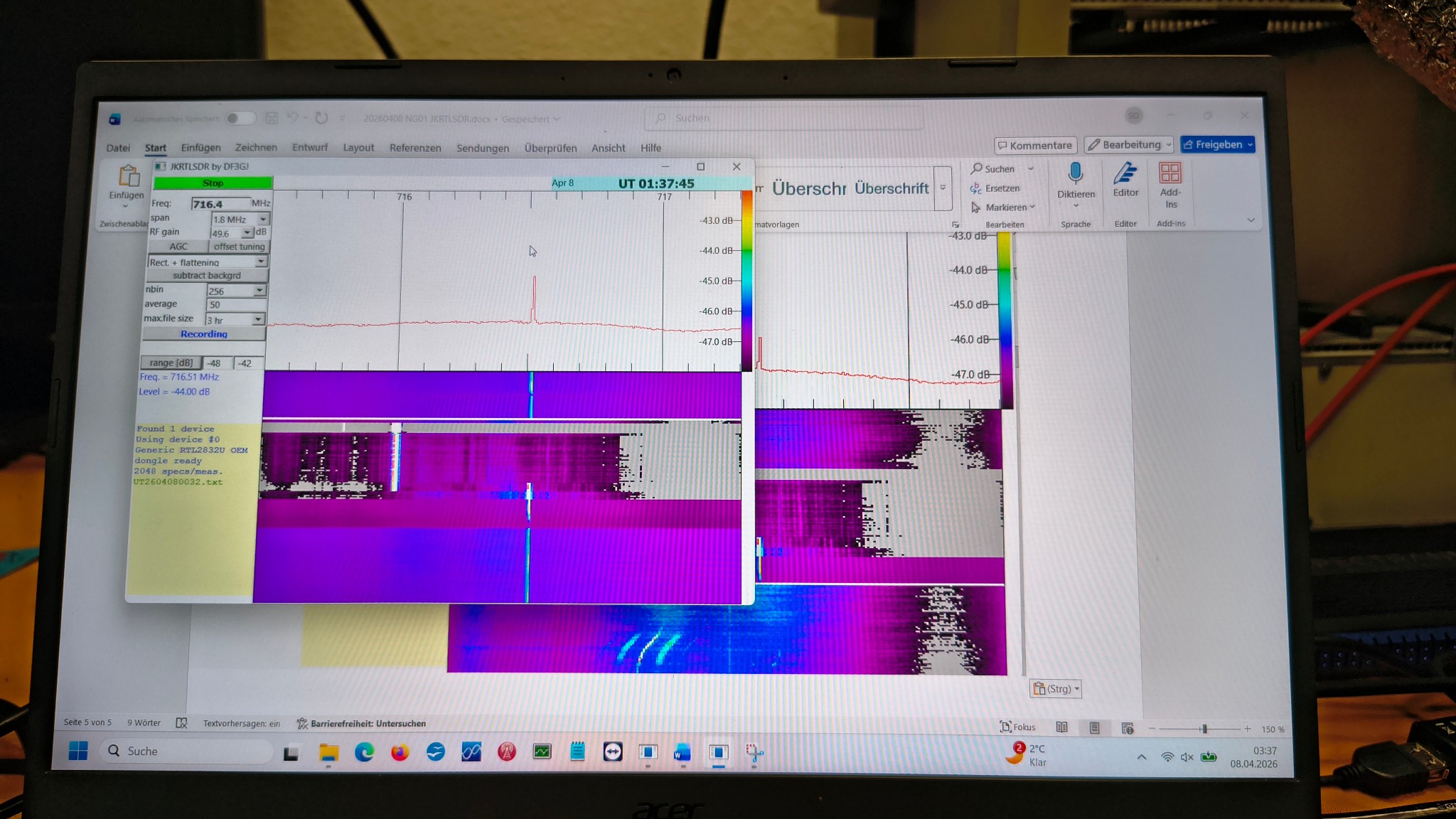
Receiving signals with SDRplay, Gnuradio and RTLSDR
Moving the antenna is only one part of the project. The station also needs a flexible way to receive and analyse radio signals.
An SDRplay software-defined radio is used as the receiver front end. SDRplay’s receiver range provides wide-band, 14-bit software-defined radio hardware and can display up to 10 MHz of spectrum, depending on the selected model.
The SDR makes it possible to explore signals without rebuilding the receiver hardware for every experiment. Frequencies, bandwidths, modulation types and signal-processing settings can be changed in software.
For students, this creates opportunities to investigate:
- satellite and beacon signals;
- noise and interference;
- antenna pointing and signal strength;
- Doppler shift;
- propagation conditions; and
- digital signal processing.